Bring your references
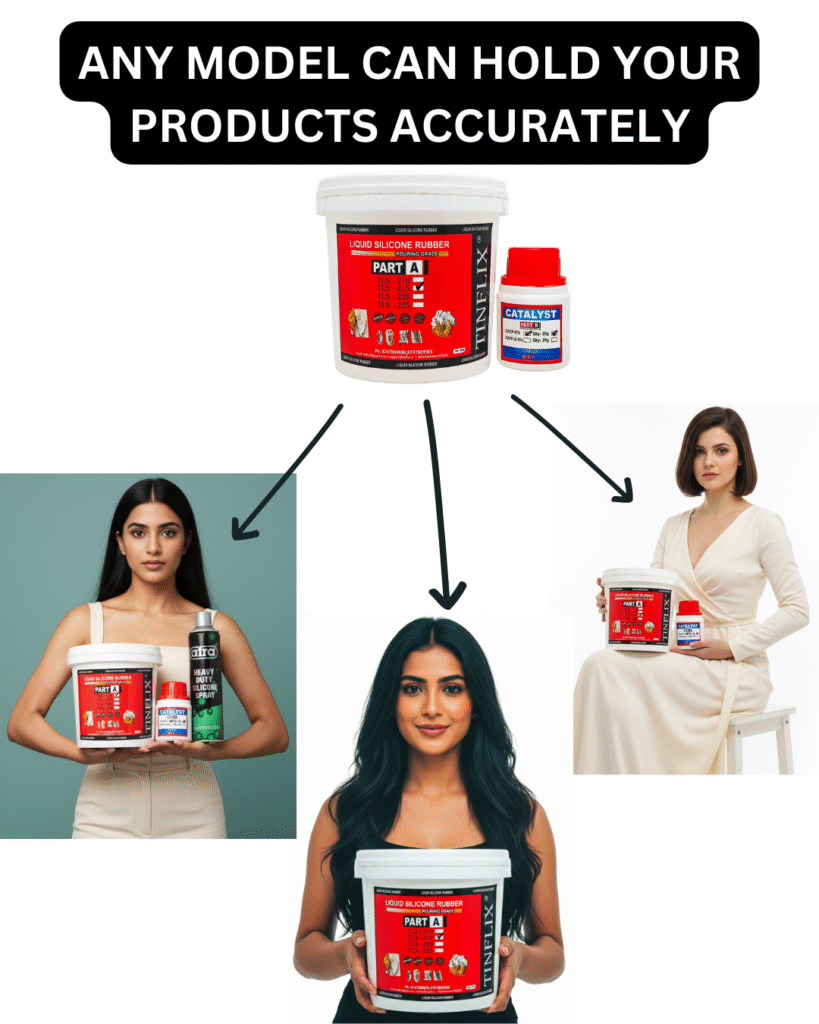
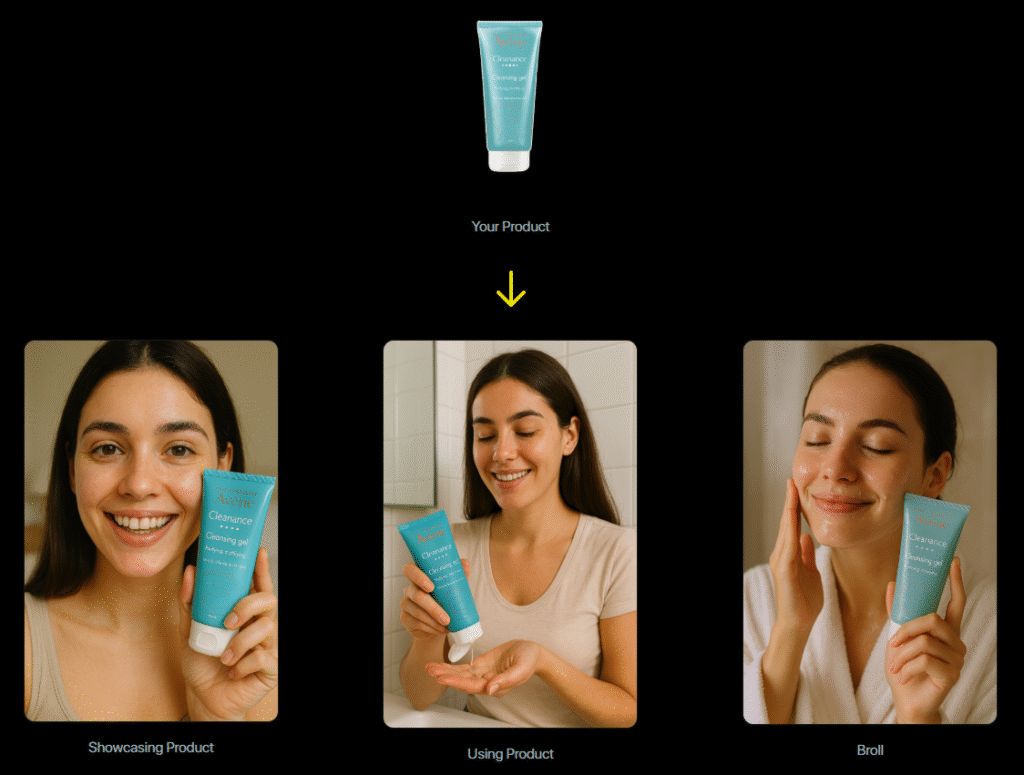
Start with your product, garment, model or existing image from your Flow media library.
Created by Sahil Sangani from GPTwala.com
Start with your product, garment, model or existing image from your Flow media library.
Choose a studio, scene, style and output format. Use the controls that fit your creative brief.
Generate through your Flow account, check the important details and develop the versions you want to use.
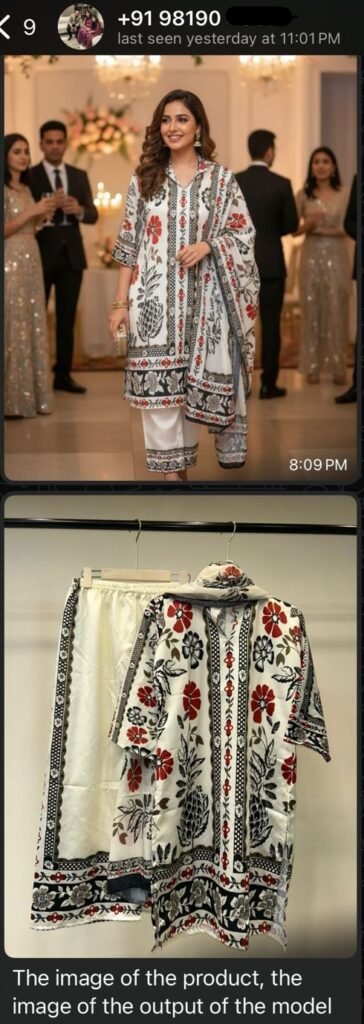
Creative examples from the original GPTwala gallery, kept here for inspiration. Actual Flow outputs vary with your references, prompts and model.
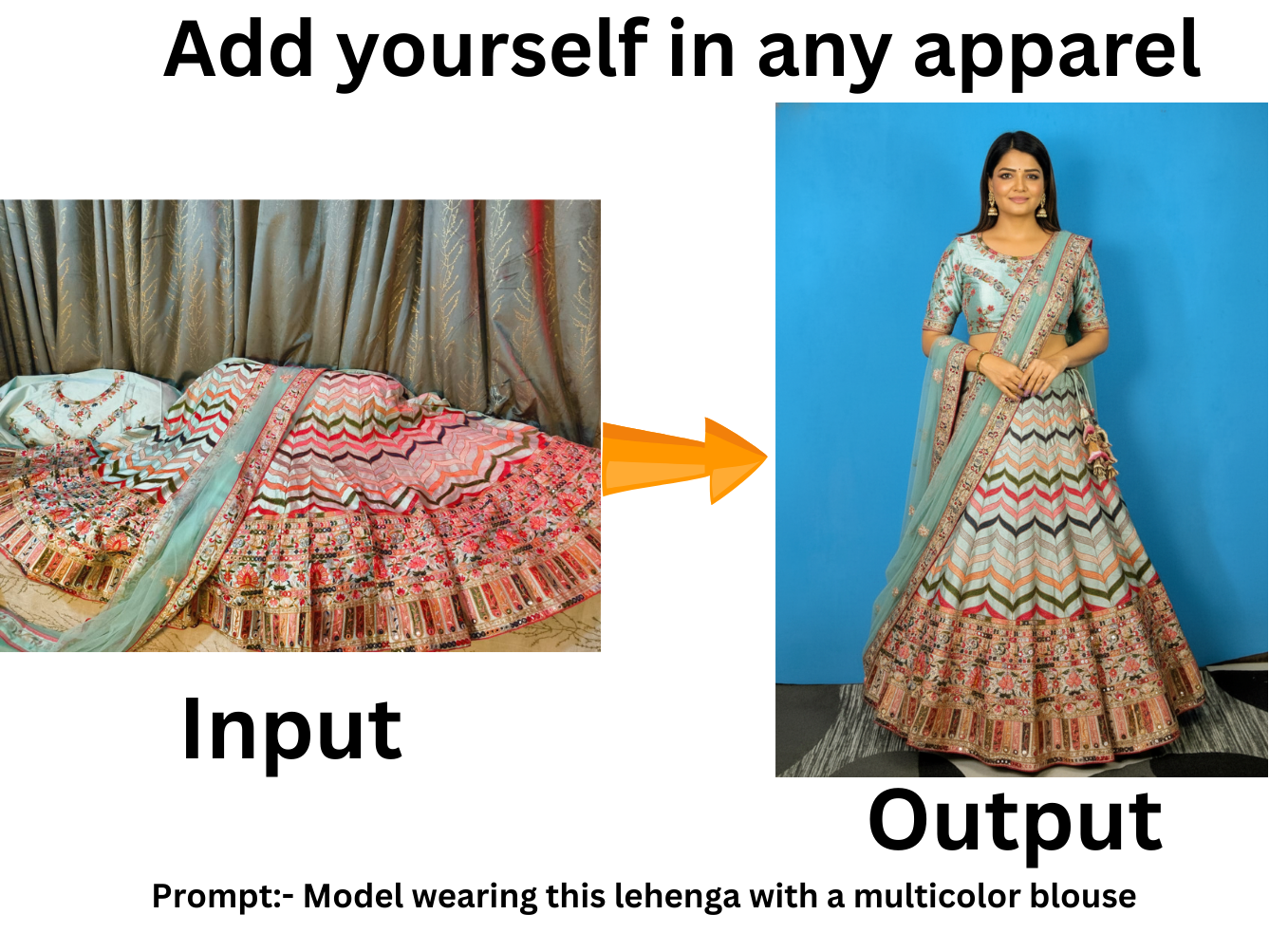

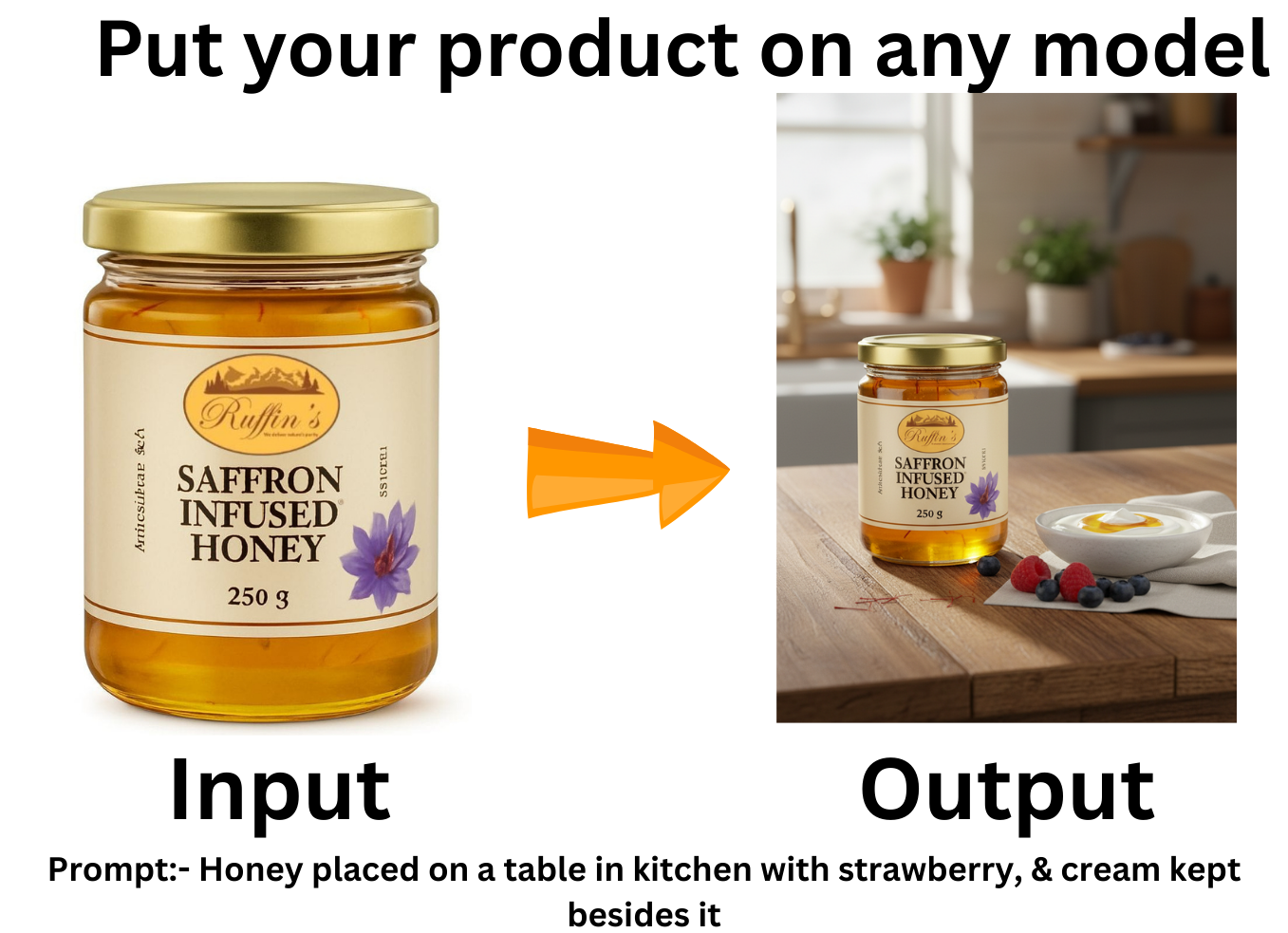
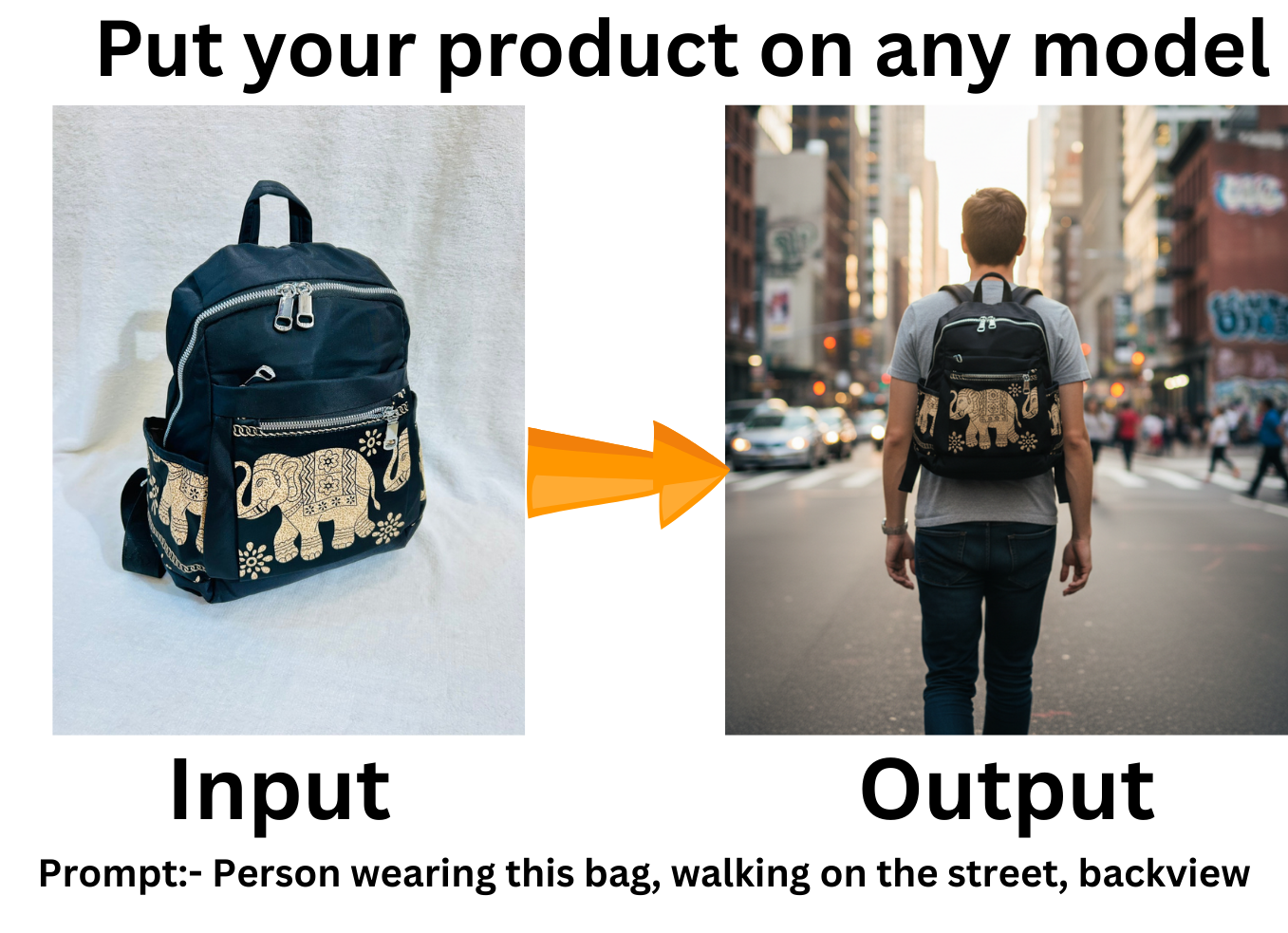
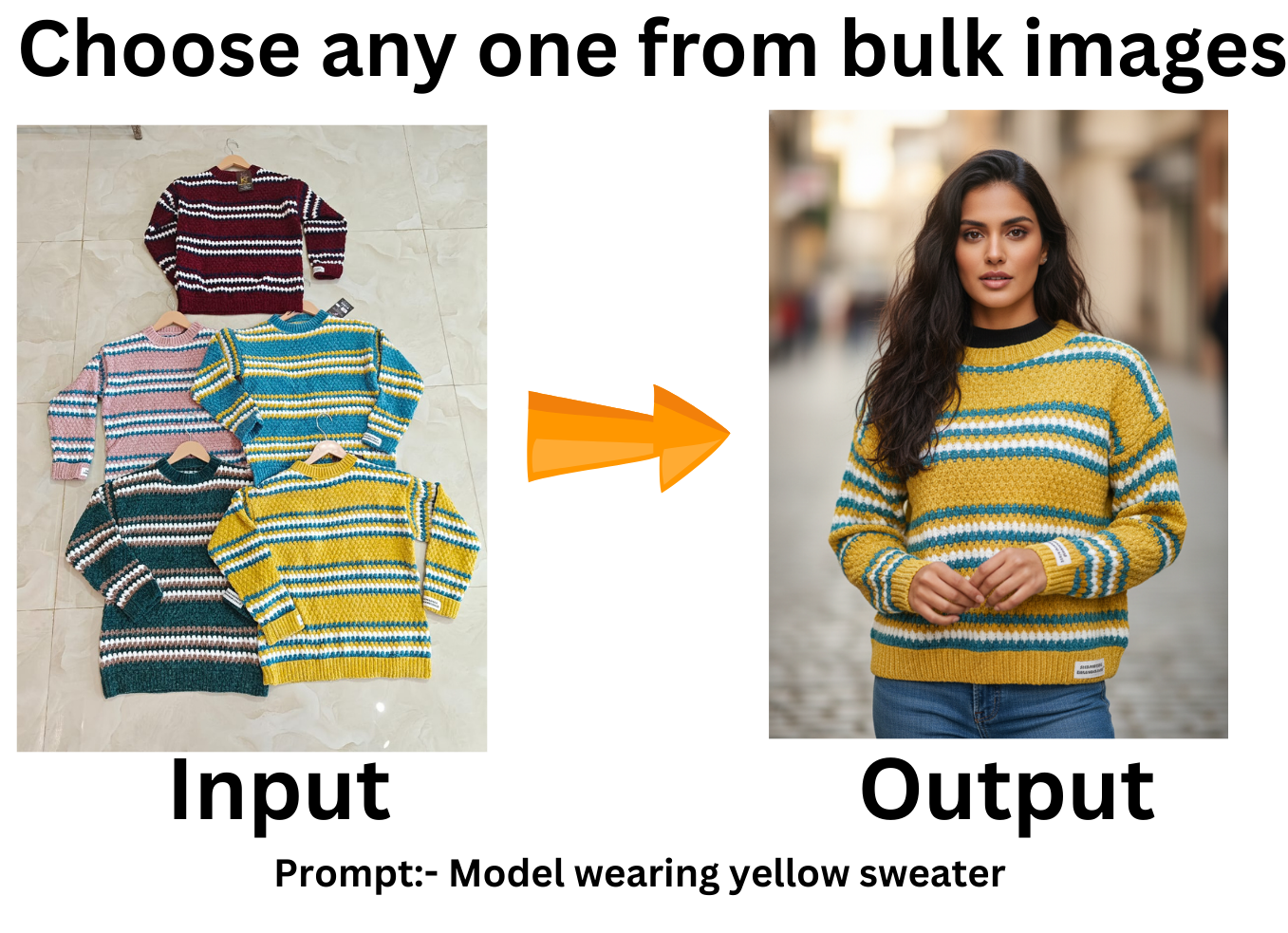


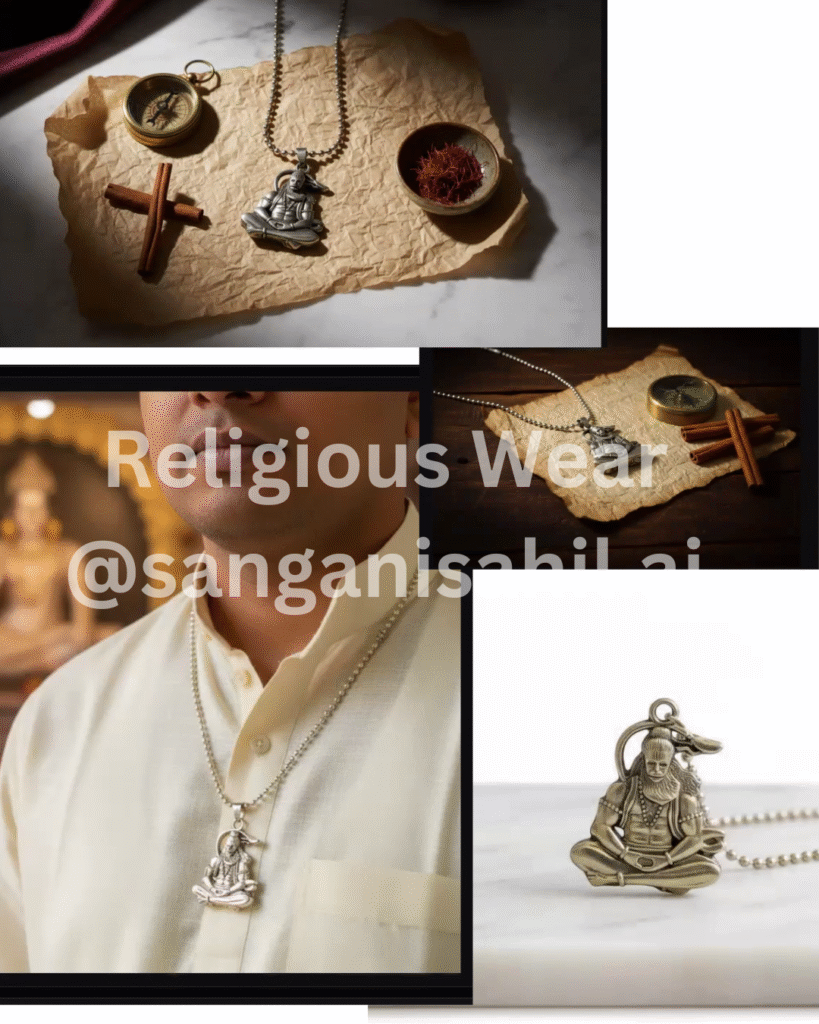
Creative examples from the original GPTwala gallery, kept here for inspiration. Actual Flow outputs vary with your references, prompts and model.
THREE WAYS TO GET STARTED
The studio runs inside your own Google Flow account. No separate image-tool subscription or API billing setup is needed.
Use the same Google account you use for your paid Gemini plan. Google AI Pro includes Flow access.
See Google AI Pro benefits ↗Eligible Jio customers can get 18 months of Google AI Pro through the Google Gemini offer in MyJio. A qualifying mobile plan and Jio’s offer terms apply.
Check the official Jio offer ↗Google currently offers a free daily Flow allowance. Check the models and features available to your account before purchasing the studio.
See free access and credit rules ↗Your ₹999 purchase covers the GPTwala studio and listed bonuses. Google controls Flow access, model availability, generation credits and usage limits. Jio’s promotion is a separate offer, subject to eligibility and change.
Use it inside your own Google Flow account.
WHO IT IS FOR
Turn a product reference and a clear idea into more creative directions for your store, client or next campaign.
Build ideas for product pages, launches, seasonal collections and social campaigns.
Explore garments on models, pose variations, styling and lookbook concepts.
Develop visual options for client pitches, campaign briefs and creative presentations.
Plan varied content around the same product in formats suited to each placement.
Explore sets, styling and edits as part of your wider creative workflow.
Give your product story a more considered visual direction without assembling a complex tool stack.
INDUSTRY IDEAS
Use the studio that suits your reference, then shape the lighting, setting and format around your audience.
Model-led looks, catalog-style shots and collection concepts for shirts, dresses, kurtas, jackets and occasion wear.
Explore close-up compositions, display scenes and styled concepts for earrings, watches, necklaces and bags.
Build studio hero shots, lifestyle scenes and angle variations for sneakers, sandals, heels and formal shoes.
Create shelf scenes, ingredient-inspired settings and product-in-hand concepts for skincare, makeup and fragrances.
Show candles, tableware, textiles and décor in room-inspired settings, cozy scenes and seasonal arrangements.
Explore clean product images, desk setups and lifestyle concepts for headphones, speakers, wearables and accessories.
Develop packaging scenes, tabletop compositions and campaign concepts for coffee, snacks and packaged products.
Direct editorial moods, dramatic lighting and considered settings for bags, fragrances and premium collections.
Visualize branded mugs, totes, stationery and uniforms for campaign pitches and product presentations.
Use it inside your own Google Flow account.
THE CREATIVE TOOLKIT
Move from product photography to creative edits, branding and motion in dedicated workspaces inside Google Flow.
Bring model and garment references together. Explore the styling, scene and output format for your collection.
Develop product-focused compositions, clean hero images and lifestyle scenes from your reference media.
Explore print and design placement on an item before deciding which direction to develop.
Start from an existing image and direct a change to the scene, model or product.
Use a focused workspace when you want a straightforward way to start creating.
Describe the image changes you want to explore in a dedicated editing workflow.
Build image ideas for social content, promotions and campaign assets.
Work in a dedicated ethnic-wear workflow for saree styling and presentation concepts.
Develop concepts, improve your brief and explore the prompt direction behind a visual reference.
Turn your verified points into a visual information concept. Review generated text and facts before use.
Move into video workflows with the models and credits available to your Flow account.
Add your brand mark using the app’s logo placement tools.
Explore alternate poses to develop a broader set of model-led creative ideas.
Choose multiple viewing directions from a reference to explore a more varied product set.
Use it inside your own Google Flow account.
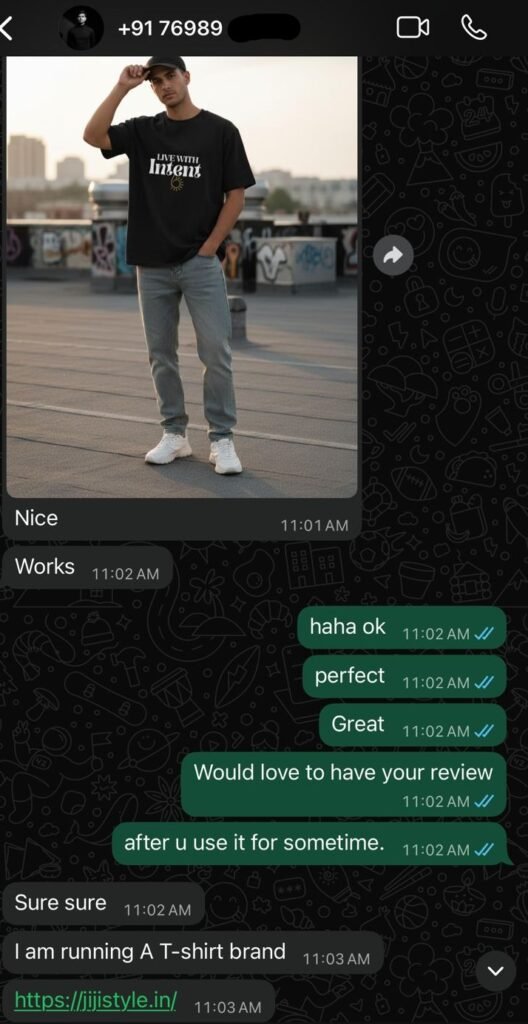
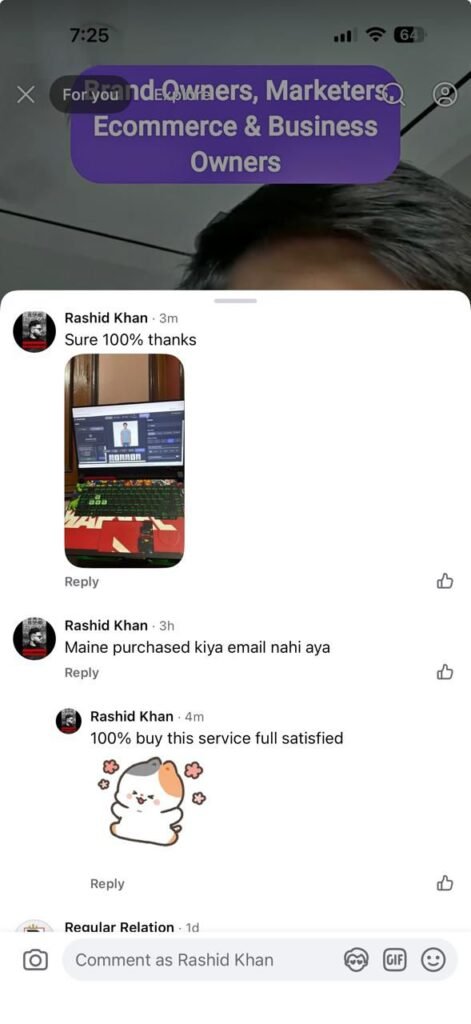
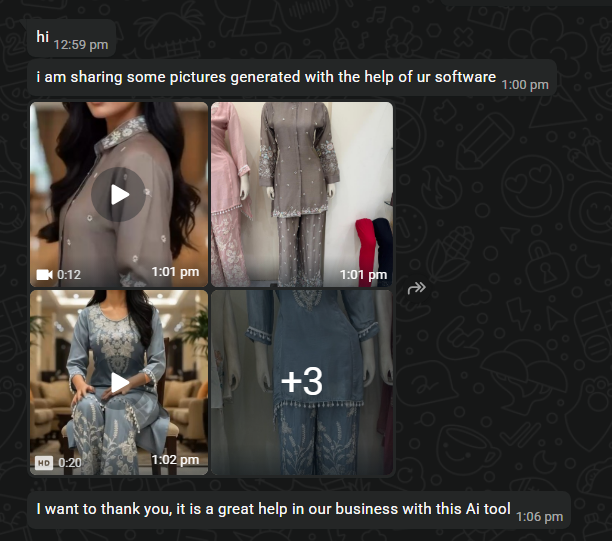
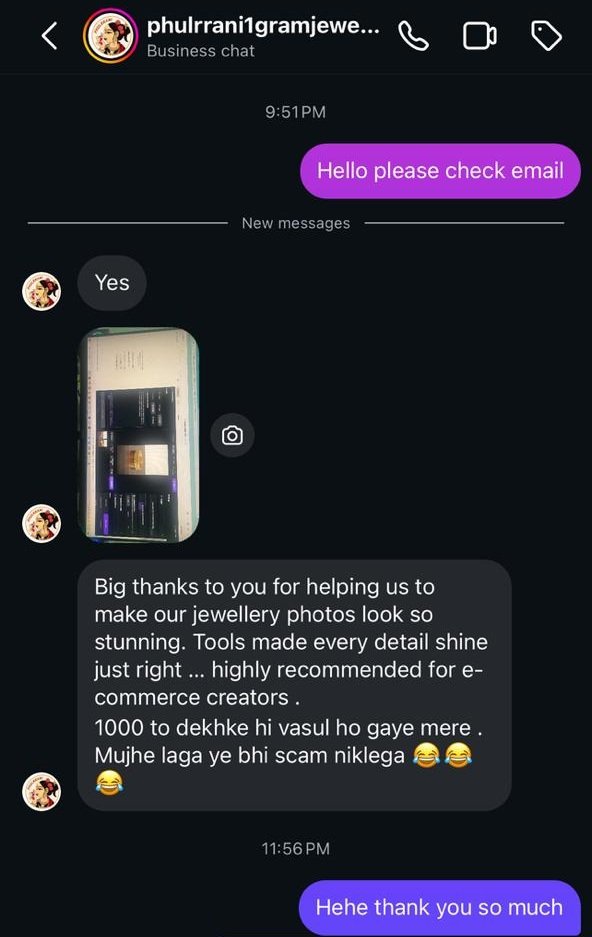
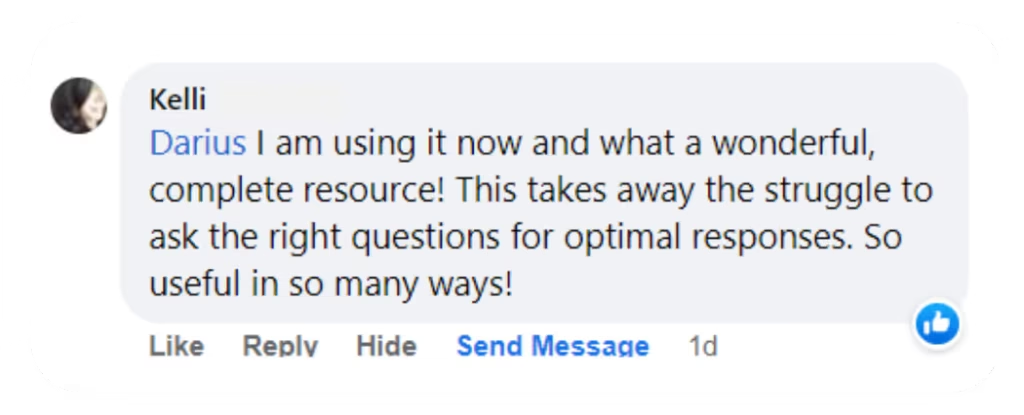
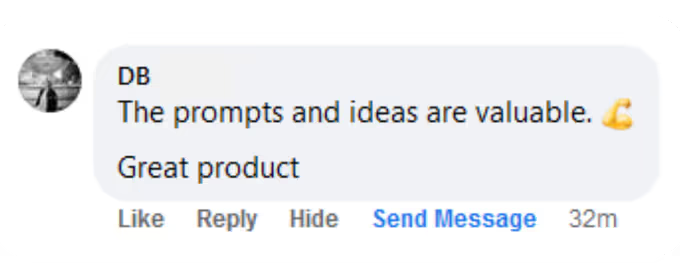
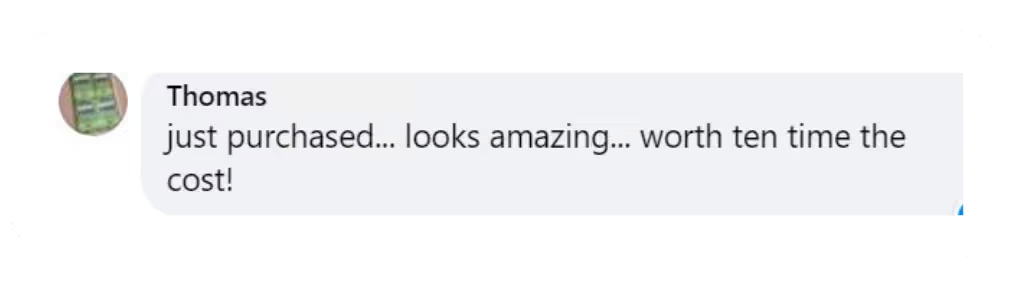
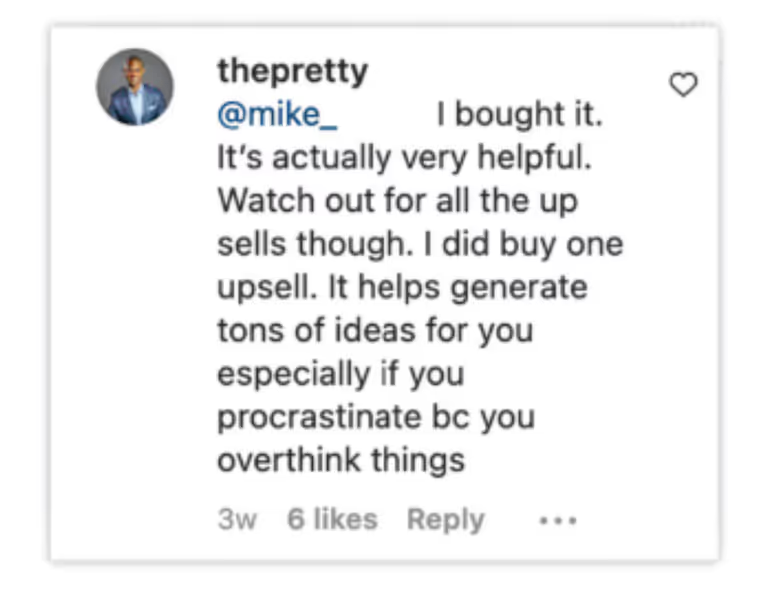
These testimonials appeared on the original GPTwala page. They are not reviews of this new Google Flow version.
INCLUDED WITH YOUR STUDIO
All four bonuses are included with your ₹999 purchase. Open them from your buyer portal after purchase.
Join the GPTwala buyer community. Your invitation is available inside buyer access.
Access the N8N template collection and adapt workflow starting points to your own projects.
Explore ready-made prompts and adapt them to the task, tools and ideas you are working on.
Use the ready-made video prompt library to develop your next creative direction. Model access and generation credits are separate.
Lifetime app access, all four bonuses, and setup support.
THE CREATIVE CHALLENGE
One product can need a clean listing image, a lifestyle scene, a social crop and a campaign concept. Build those directions from a focused starting point.
Explore a studio, home, outdoor or editorial setting without rebuilding your brief from the beginning.
Choose a portrait, square, landscape or story format that matches the placement you are designing for.
Compare looks, poses and angle directions, then refine the ones that represent your brand best.
A MORE FOCUSED WORKFLOW
AI outputs still need your judgment. Check product accuracy, text and rights before publishing.
YOUR GOOGLE FLOW CREATIVE WORKSPACE
₹999
One payment. Lifetime access to the GPTwala app. Includes all four bonuses and setup and access support.
Lifetime app access is subject to Google Flow policies, availability and account eligibility. Google subscriptions and generation credits are separate. Refunds are not offered for this digital product, except where required by law. WhatsApp 8779674872.
Already purchased? Open buyer access.
Purchase details and payment records are used for order support and access. Optional measurement records page visits, button positions and campaign labels, separately from contact details. It never includes your email or phone number.
Do Not Track and Global Privacy Control are respected. For purchase or data questions, contact sahil@gptwala.com.
BEFORE YOU START
Access to the GPTwala studio and your own eligible Google Flow account. Google AI Pro subscribers can use their current account. Eligible Jio customers can check the Gemini offer in MyJio. Free accounts also have a daily Flow allowance; available models and limits may differ. No separate API key or image-tool subscription is needed.
It is a custom creative workspace that runs inside Google Flow. It brings together dedicated studios for apparel, products, design, re-imagining, editing, social content, sarees, creative chat, infographics, video, logos, poses and multiple views.
No separate image-generation subscription is required for the core studio. You can use the access already available in your own Google Flow account, including Google AI Pro or Google’s free allowance. Some models or additional usage may require a paid Google plan or credits.
Explore catalog-style product images, model-led apparel shoots, lifestyle scenes, product-in-hand concepts, ad creatives, social images, branded assets, new poses and angle variations. Use dedicated design, editing and infographic workflows when you need a different type of visual.
The app gives you focused inputs and controls instead of asking you to build a workflow from scratch. Choose a studio, add a clear reference, describe your idea and refine the result. Strong source images and a specific brief will still make a difference.
No. Google sets the account, model and credit limits. Your ₹999 purchase covers the studio and listed bonuses, not an extra pool of Google credits. Check your Flow account for the latest allowance before generating.
Yes. Use the reference inputs in the relevant studio to select your media from Flow. Apparel, Product and Re-imagine have different input controls. Use images you have permission to use, and check logos, garment details, faces, proportions and packaging in the result.
Fashion, ethnic wear, jewelry, footwear, beauty, home décor, electronics, food packaging, lifestyle products and branded merchandise. Agencies, freelancers and marketing teams can also use it to develop concepts and campaign presentations.
The app includes a Veo Studio workspace for video creation. Access to video models, available settings, output options and credit costs depend on your Google Flow account. Image generation and video generation have different requirements.
Check the Google terms that apply to your account and model, and make sure you have rights to your input assets and any brands or people shown. Review every result for accuracy before using it in listings, ads or client work. AI images can alter product details and should not misrepresent what you sell.
A one-time ₹999 purchase gives you lifetime access to the GPTwala app, the four listed bonuses, and setup and access support. App access is subject to Google Flow policies, availability and account eligibility. Google subscriptions and generation credits are separate.
Pay ₹999 once for lifetime access to this GPTwala app, subject to Google Flow policies and availability. Refunds are not offered for this digital product, except where required by law. Setup and access support are included. Message Sahil on WhatsApp 8779674872 if you need help.
Eligible Jio customers can currently claim an 18-month Google AI Pro benefit through the Google Gemini offer in MyJio. Check Jio’s official page for your plan eligibility, activation steps and current terms. This is a separate Jio promotion, not included in the ₹999 studio purchase.